> ## Documentation Index
> Fetch the complete documentation index at: https://docs.firebender.com/llms.txt
> Use this file to discover all available pages before exploring further.
# Report an Issue
> Quickly share diagnostic details to help resolve issues
## How to Report an Issue
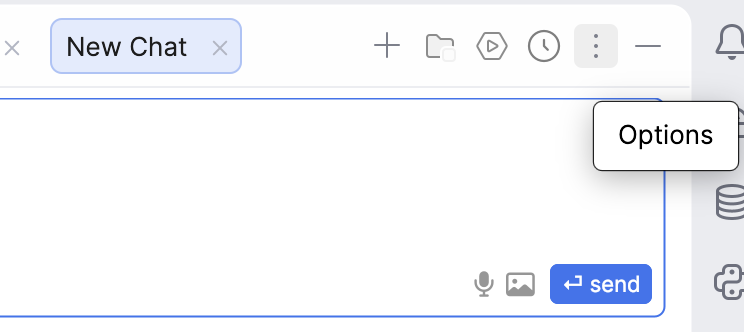
1. **Click the Options menu** (three dots icon) in the top-right corner of the chat window
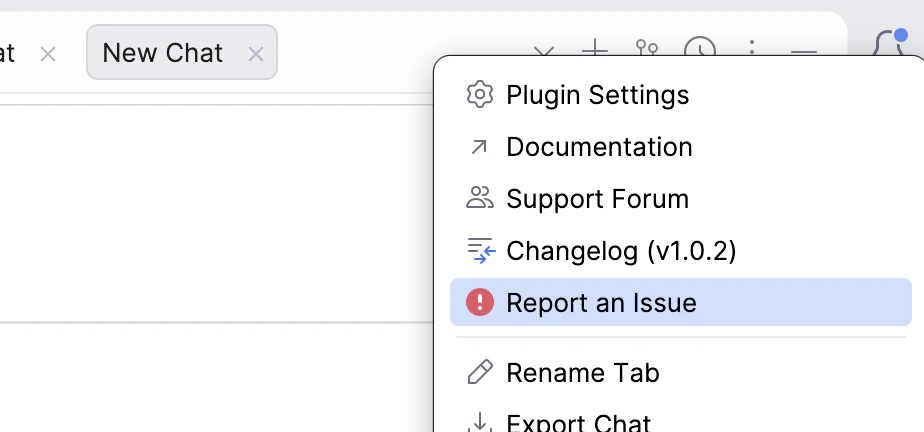
 2. **Select "Report an Issue"** from the dropdown menu
 Firebender will include the relevant diagnostic information to help our team investigate the issue.
After we resolve your issue, we will delete the diagnostic data from our systems.
Firebender will include the relevant diagnostic information to help our team investigate the issue.
After we resolve your issue, we will delete the diagnostic data from our systems.