> ## Documentation Index
> Fetch the complete documentation index at: https://docs.firebender.com/llms.txt
> Use this file to discover all available pages before exploring further.
# Firebender on LiteLLM
> Configure Firebender to discover and route models through your LiteLLM deployment
## Setup
If your LiteLLM deployment is hosted on a private or corporate network, make sure you're connected to your company's VPN before proceeding.
Make sure you are on the latest version of Firebender (`1.0.3`) for the best LiteLLM integration experience.
1. Go to [firebender.com/settings?tab=provider](https://firebender.com/settings?tab=provider)
2. Ensure the **org LiteLLM API key** and **base URL** are configured. If not, ask your LiteLLM admin or whoever manages your LiteLLM deployment.
 3. Add your own **LiteLLM virtual key** provided by your admin.
 4. Open **Models** in Firebender Settings and click **Model Sync**.
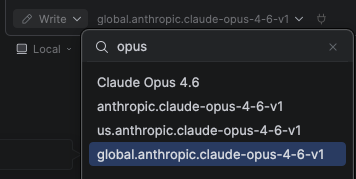
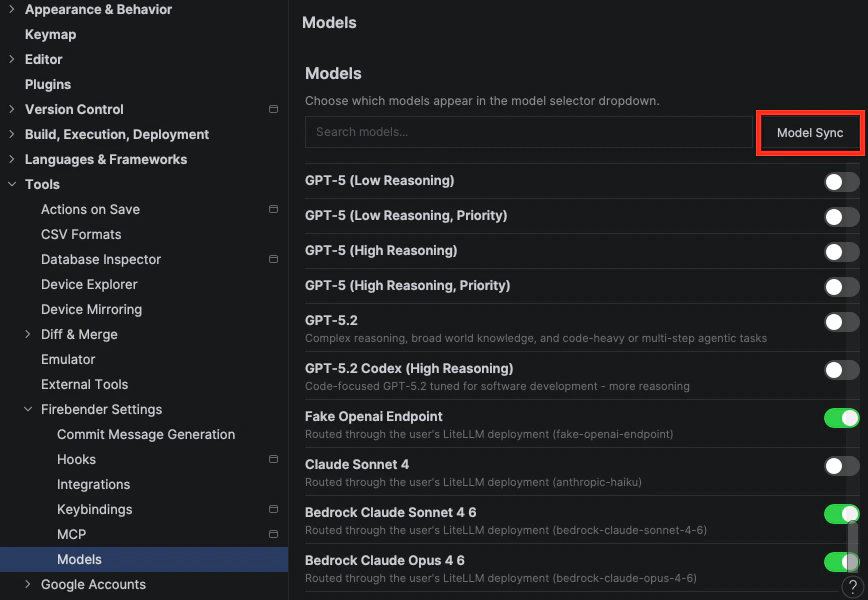 5. Firebender should now pull in your LiteLLM models, and you can select them from the model selector in chat.