> ## Documentation Index
> Fetch the complete documentation index at: https://docs.firebender.com/llms.txt
> Use this file to discover all available pages before exploring further.
# Settings
> Learn how to configure Firebender settings and preferences
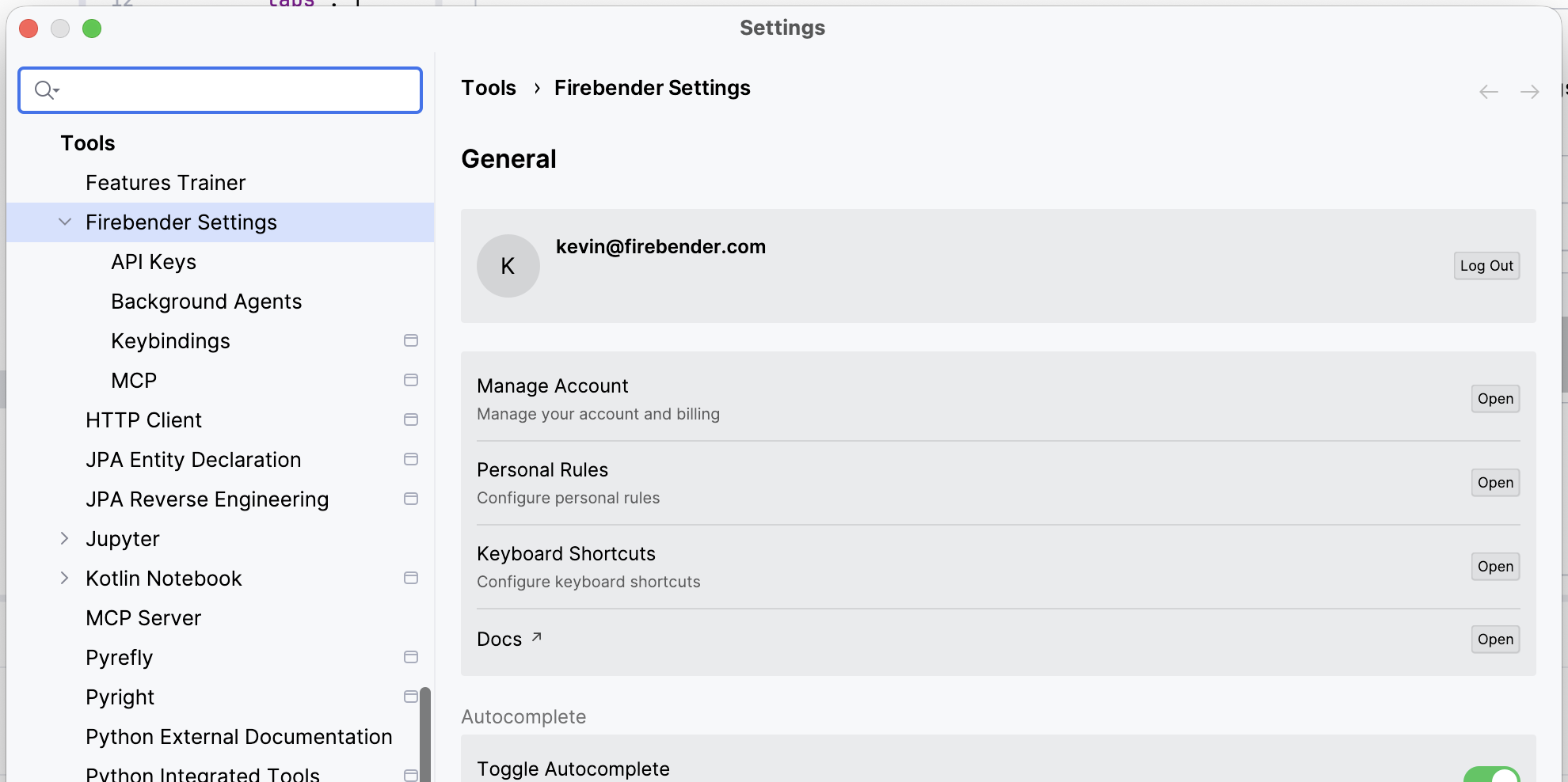 Firebender provides comprehensive settings to customize your experience, from API configuration to keyboard shortcuts and general preferences.
Ask `/help how do I open settings` or `/help change my API key` to get AI assistance with your configuration.
## Settings Categories
* **[Provider Keys (BYOK)](/configurations/byok)**: Bring your own OpenAI, Anthropic, or Gemini API key
* **[Keyboard Shortcuts](/configurations/key-bindings)**: Customize hotkeys for chat, inline edits, and more
* **[MCP (Model Context Protocol)](/context/mcp/overview)**: Configure custom tools and MCP server connections
Firebender provides comprehensive settings to customize your experience, from API configuration to keyboard shortcuts and general preferences.
Ask `/help how do I open settings` or `/help change my API key` to get AI assistance with your configuration.
## Settings Categories
* **[Provider Keys (BYOK)](/configurations/byok)**: Bring your own OpenAI, Anthropic, or Gemini API key
* **[Keyboard Shortcuts](/configurations/key-bindings)**: Customize hotkeys for chat, inline edits, and more
* **[MCP (Model Context Protocol)](/context/mcp/overview)**: Configure custom tools and MCP server connections