> ## Documentation Index
> Fetch the complete documentation index at: https://docs.firebender.com/llms.txt
> Use this file to discover all available pages before exploring further.
# Planning
> Stay in the flow on bigger more complex changes
 ## Benefits
* Better coherence on larger tasks
* Prevent going down bad implementation rabbit holes
## Iterate on a plan with AI
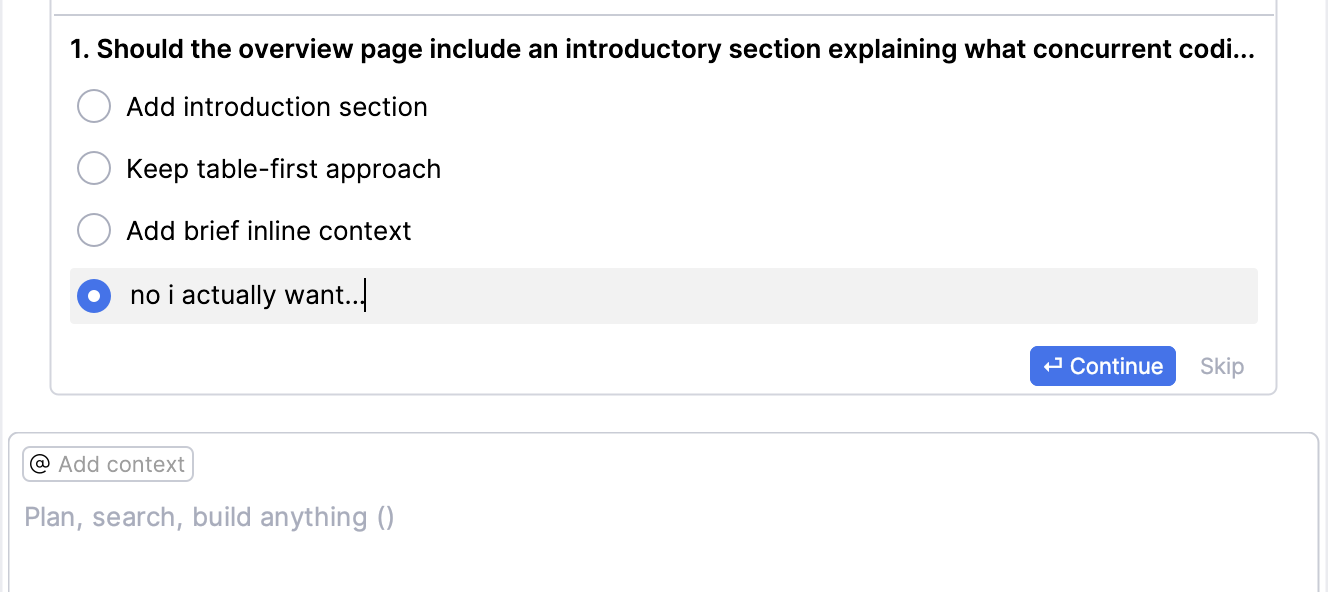
### 1. AI will ask you clarifying questions:
## Benefits
* Better coherence on larger tasks
* Prevent going down bad implementation rabbit holes
## Iterate on a plan with AI
### 1. AI will ask you clarifying questions:
 ### 2. After gathering enough information it will propose a plan:
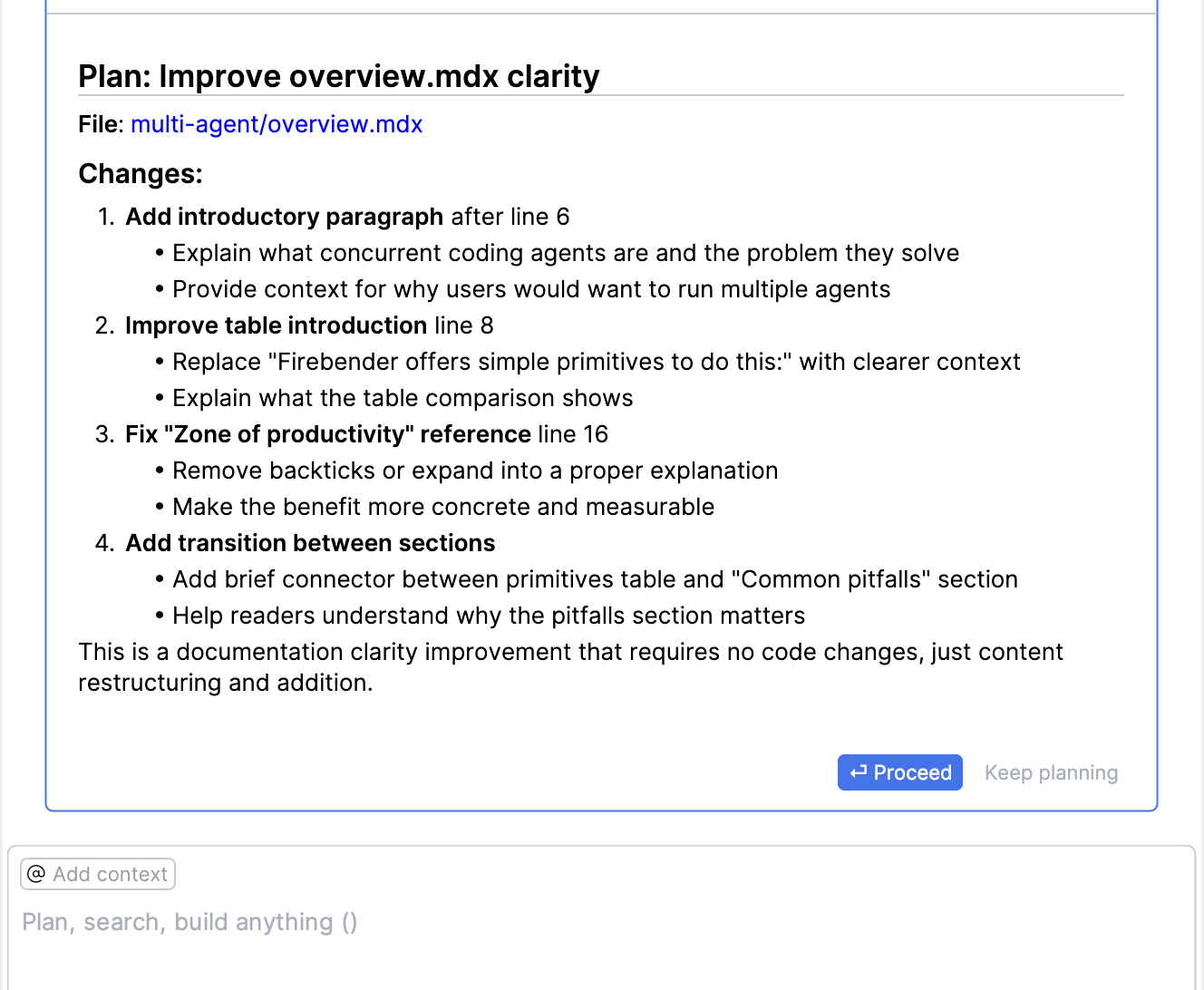 ### 3. You can simply accept the plan and Firebender will start implementing the change: