

Setting Up Provider Keys
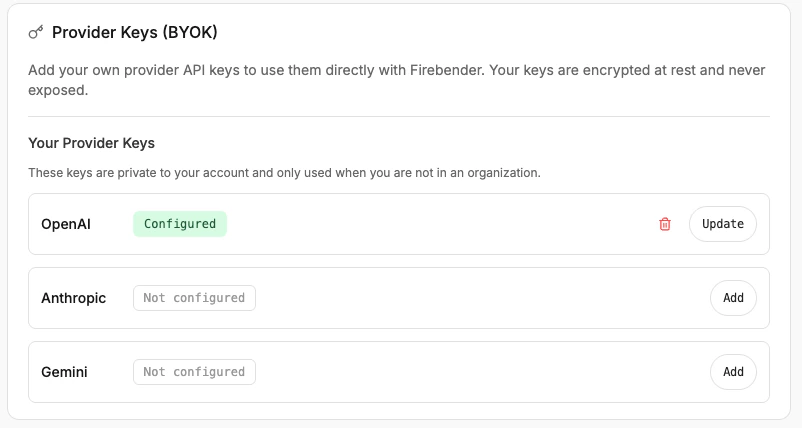
- Go to firebender.com/settings and open the Provider Keys tab.
- Click Add next to the provider you want to configure.
- Enter your API key and click Save Key.
How Keys Are Used
- Personal accounts — your key is private to your account and is used when you are not part of an organization.
- Organization accounts — keys are shared across all organization members. If a key is configured for the selected model’s provider, Firebender uses it automatically. If not, requests fall back to standard platform routing.