

What is MCP?
Model Context Protocol (MCP) enables Firebender to connect to external tools and data sources.Why use MCP?
MCP connects Firebender to external systems and data. Instead of explaining your project structure repeatedly, integrate directly with your tools. Write MCP servers in any language that can print tostdout or serve an HTTP endpoint: Python, JavaScript, Go, etc.
How it works
MCP servers expose capabilities through the protocol, connecting Firebender to external tools or data sources. Firebender supports three transport methods:Protocol support
Firebender supports these MCP protocol capabilities:Installing MCP servers
One-click installation
Install MCP servers from our collection and authenticate with OAuth.Using mcp.json
Configure custom MCP servers with a JSON file:
CLI Server - Node.js
CLI Server - Python
Remote Server
STDIO server configuration
For STDIO servers (local command-line servers), configure these fields in yourmcp.json:
Configuration locations
Project Configuration Createfirebender.json in your project directory for project-specific tools.
Global Configuration
Create ~/.firebender/firebender.json in your home directory for tools available everywhere.
Config interpolation
Use environment variables in your configuration values. Firebender resolves variables in these fields:command, args, env, url, and headers.
Supported syntax:
${VAR_NAME}- Environment variable with braces$VAR_NAME- Environment variable without braces
Local Server
Remote Server
Authentication
MCP servers use environment variables for authentication. Pass API keys and tokens through the config. Firebender supports OAuth for servers that require it.Using MCP in chat
Firebender Agent automatically uses MCP tools listed underAvailable Tools when relevant. Ask for a specific tool by name or describe what you need. Enable or disable tools from settings.
Toggling tools
Enable or disable MCP tools directly from the chat interface. Click a tool name in the tools list to toggle it. Disabled tools won’t be loaded into context or available to Agent.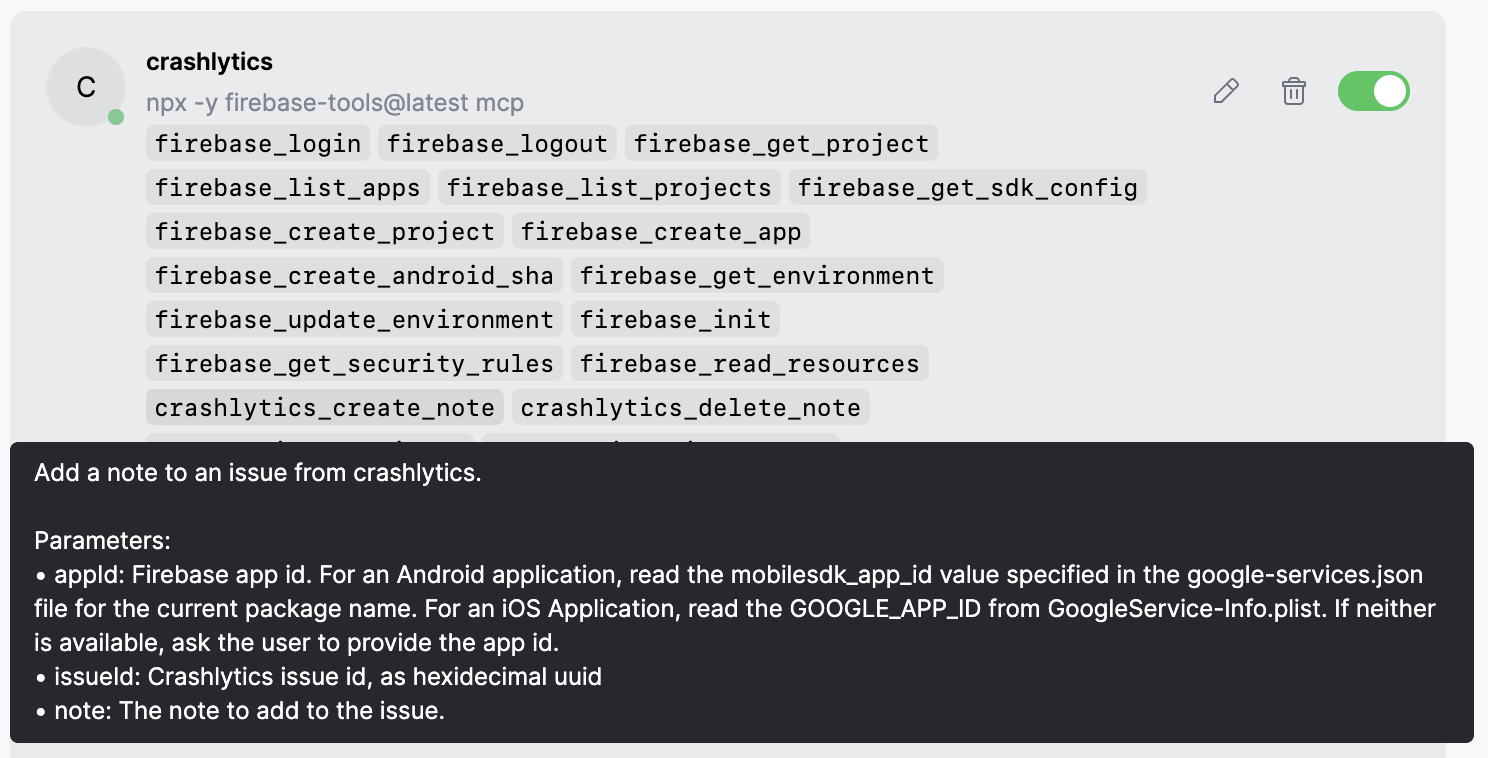
Tool response
Firebender shows the response in chat with expandable views of arguments and responses.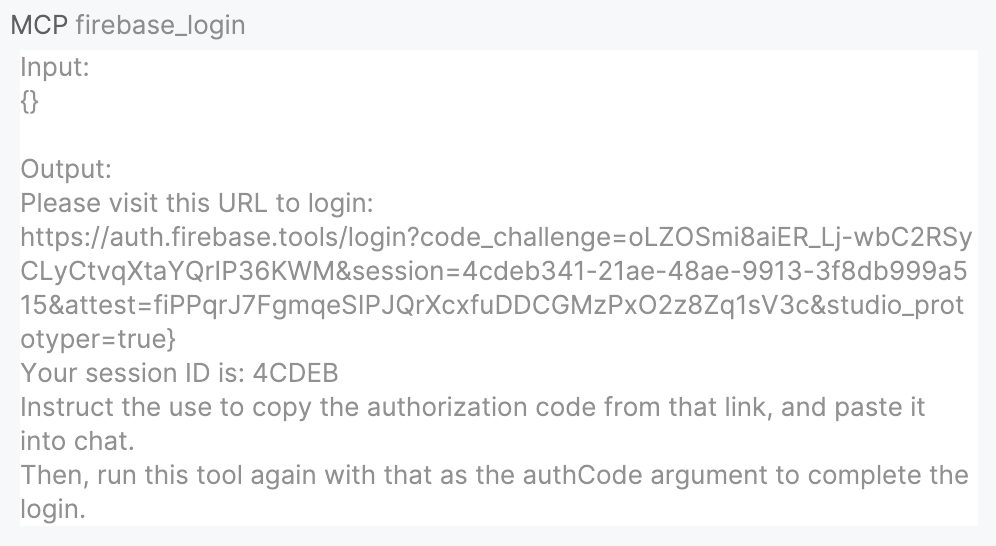
Images as context
MCP servers can return images: screenshots, diagrams, etc. Return them as base64 encoded strings. Firebender attaches returned images to the chat. If the model supports images, it analyzes them.Deferred tool loading
By default, MCP tools load on-demand to save tokens. Only setdeferLoading: false for orchestration MCPs that modify core agent behavior. Keep the default for service integrations (databases, APIs, monitoring). See the configuration reference for details.
Security considerations
When installing MCP servers, consider these security practices:- Verify the source: Only install MCP servers from trusted developers and repositories
- Review permissions: Check what data and APIs the server will access
- Limit API keys: Use restricted API keys with minimal required permissions
- Audit code: For critical integrations, review the server’s source code
FAQ
Can I use Figma as a remote MCP server?
Can I use Figma as a remote MCP server?
Yes. Figma supports remote MCP with
https://mcp.figma.com/mcp. You can also use the local desktop server at http://127.0.0.1:3845/mcp if you prefer a local setup.What's the point of MCP servers?
What's the point of MCP servers?
MCP servers connect Firebender to external tools like Google Drive, Notion, and other services to bring docs and requirements into your coding workflow.
How do I debug MCP server issues?
How do I debug MCP server issues?
View MCP logs by clicking the plug icon in the chatbox and selecting “Open MCP Log”: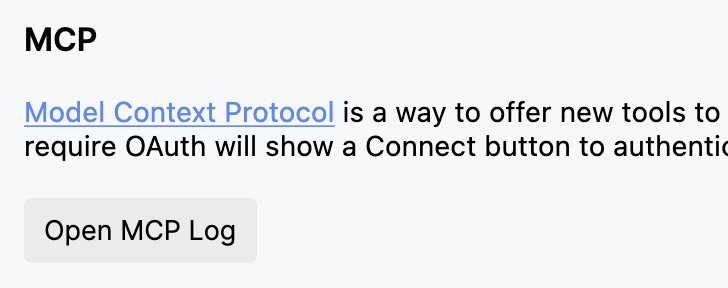
Can I temporarily disable an MCP server?
Can I temporarily disable an MCP server?
Yes! Toggle servers on/off without removing them by clicking the plug icon in the chatbox to manage the servers. You can enable or disable any MCP server from the dropdown.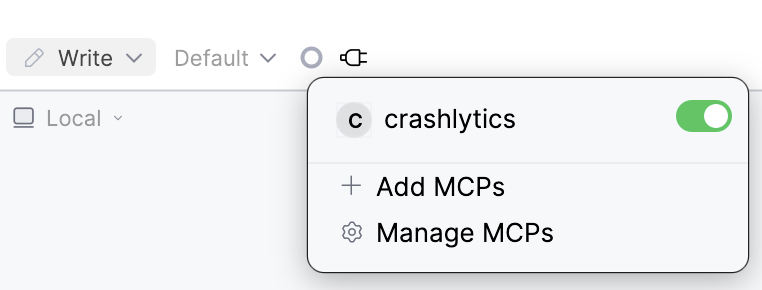
What happens if an MCP server crashes or times out?
What happens if an MCP server crashes or times out?
If an MCP server fails:
- Firebender shows an error message in chat
- The tool call is marked as failed
- You can retry the operation or check logs for details
- Other MCP servers continue working normally
Can I use MCP servers with sensitive data?
Can I use MCP servers with sensitive data?
Yes, but follow security best practices:
- Use environment variables for secrets, never hardcode them
- Run sensitive servers locally with
stdiotransport - Limit API key permissions to minimum required
- Review server code before connecting to sensitive systems
- Consider running servers in isolated environments