

How to Report an Issue
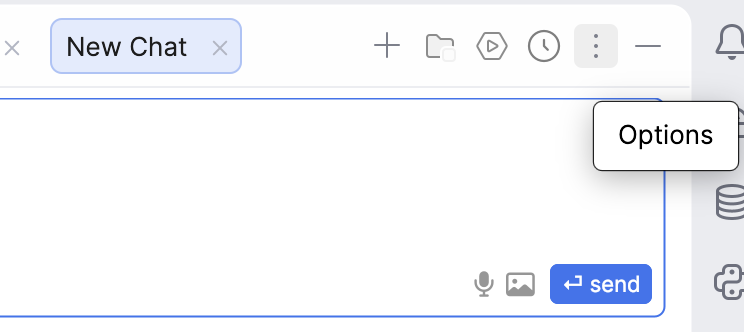
- Click the Options menu (three dots icon) in the top-right corner of the chat window
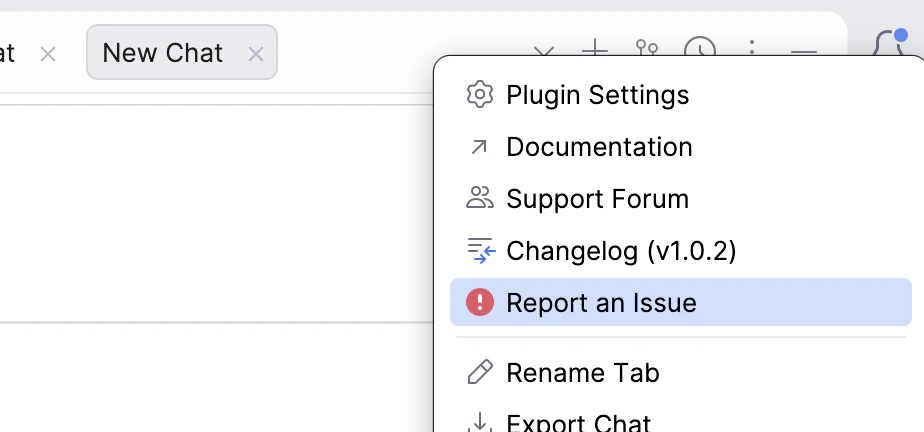
- Select “Report an Issue” from the dropdown menu
After we resolve your issue, we will delete the diagnostic data from our systems.
Quickly share diagnostic details to help resolve issues