Documentation IndexFetch the complete documentation index at: /llms.txtUse this file to discover all available pages before exploring further.
Fetch the complete documentation index at: /llms.txt
Use this file to discover all available pages before exploring further.
Firebender service ends October 31, 2026. Read the transition notice →
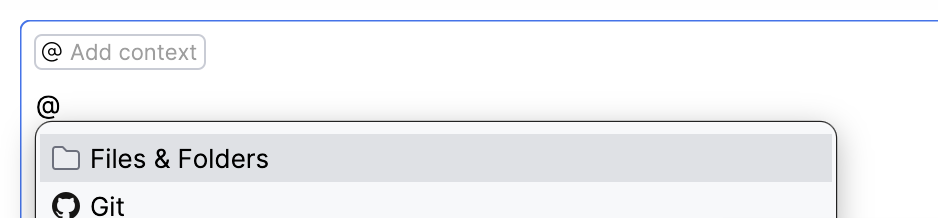
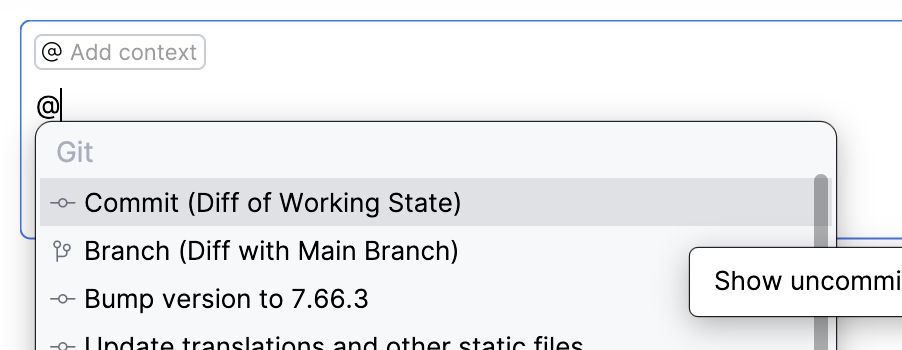
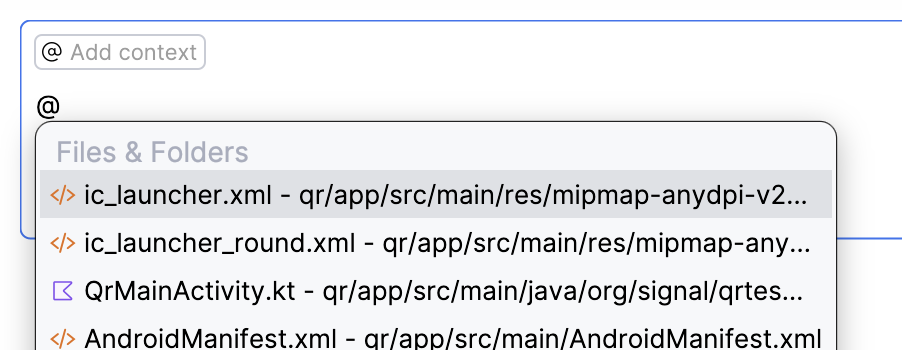
Add precise context to your conversations
@