

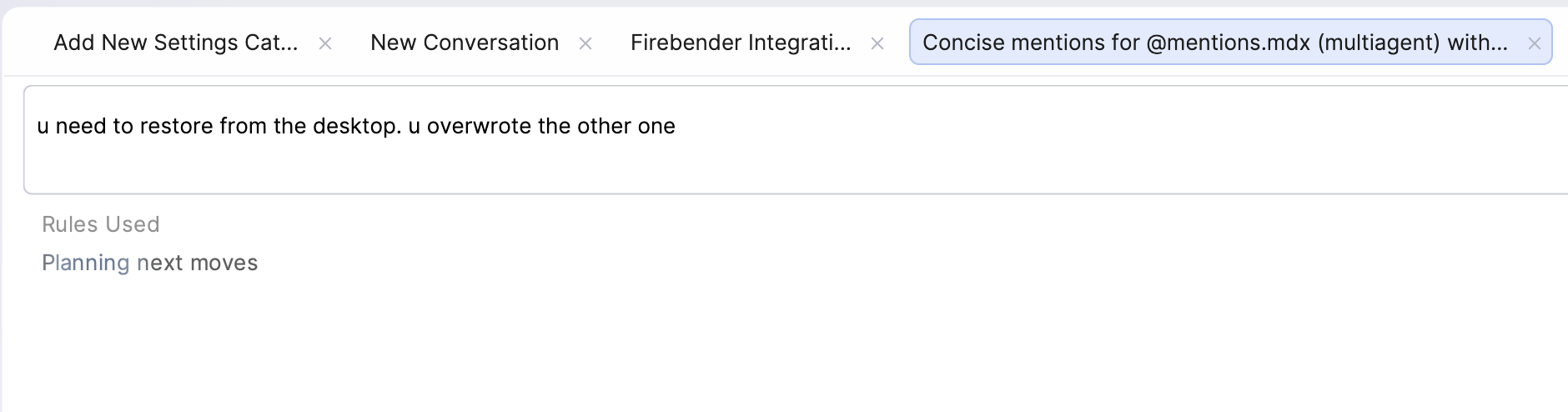
When to use Tabs
- Quick, unrelated changes: Two or more small tasks in different files that are unlikely to conflict
- Read-only exploration: Ask one tab to search, summarize, or trace code while you implement in another
- Short feedback loops: Iterate on a doc, config, or UI detail while another tab does small follow-ups
What Tabs are not
- Not isolated: Tabs share the same working directory and git state
- Not safe for conflicting edits: Two tabs editing the same files can create merge pain